Click to download now, finish the installation quickly, and directly unlock the all-round experience
Screenshots
Click to download now, finish the installation quickly, and directly unlock the all-round experience
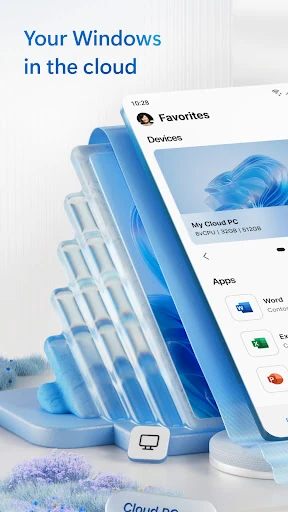
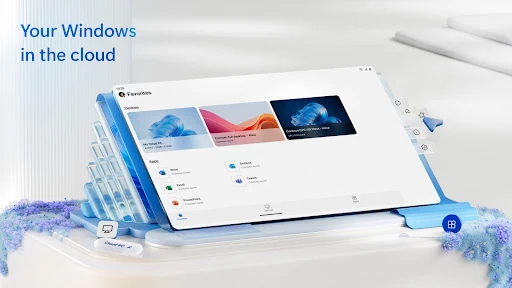
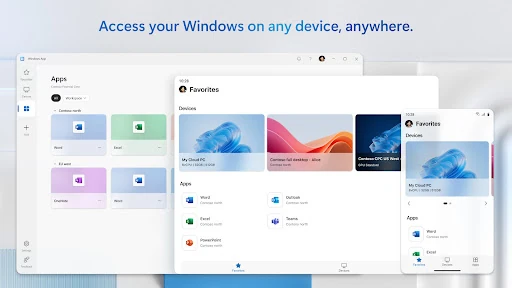
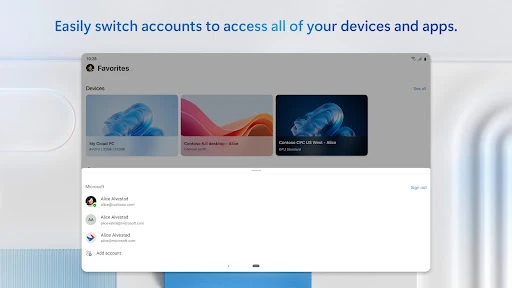
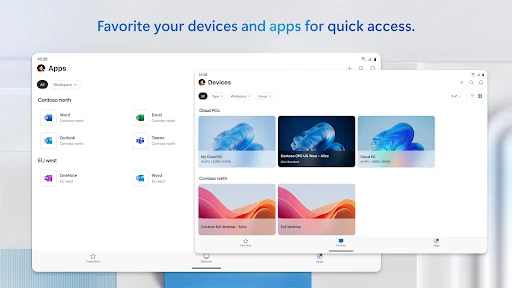
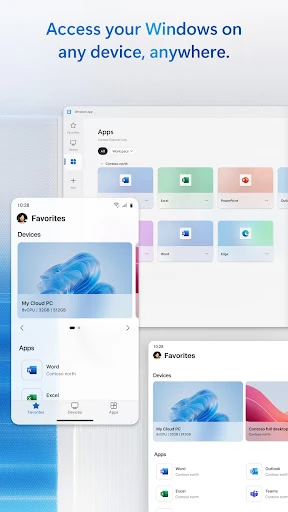
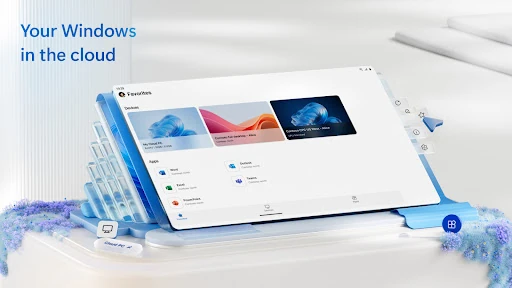
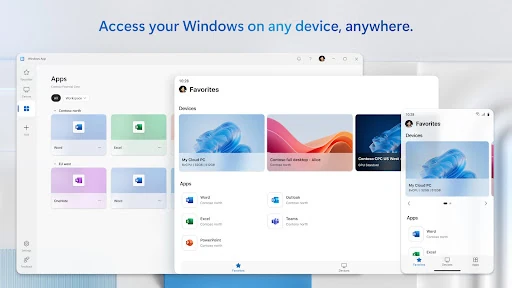
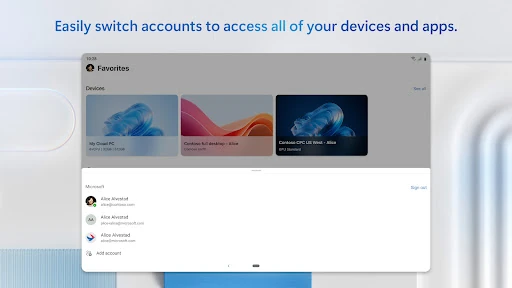
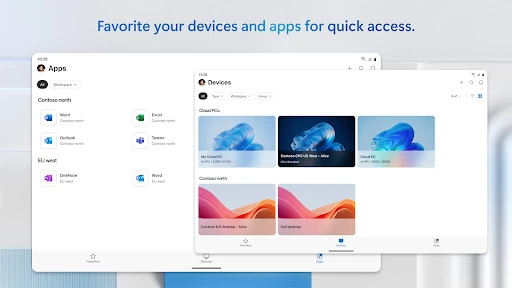
Windows App connects an Android device to remote Windows environments, including Azure Virtual Desktop, Windows 365, Microsoft Dev Box, Remote Desktop Services and individual remote PCs. It is aimed at people who need to reach a work desktop or hosted Windows session away from the computer where it normally runs.
This is a practical fit for employees working with company-managed desktops, administrators supporting remote Windows systems and users whose applications or files are available through a hosted workplace. It can also help when a phone, tablet, Chromebook or supported VR headset is more convenient than carrying a Windows laptop.
The app supports Android 11 and later. Microsoft lists support across phones and tablets, along with compatible Chromebooks and VR headsets that can use apps from Google Play. The actual experience depends on the remote Windows service being configured and available to you; this app provides the Android-side connection rather than replacing the remote environment itself.
Windows App is published by Microsoft Corporation in the Business category. It has more than 5,000,000 installs and a rating of about 3.9 out of 5 from 28,626 reviews. Those figures point to a widely used client for Microsoft’s remote Windows services, while the range of supported back ends makes it relevant to more than one type of workplace setup.